How to ask AI for a plan that actually works: 5 steps
For AI to give you a plan that actually works, your request needs five things: the goal (what you want to achieve), the context (where you are starting from and what you already have), the limits (what the plan has to respect), the format (how you want it delivered) and the review (what has to be checked before you rely on it). With those five pieces the answer stops being generic, because the AI no longer has to guess anything.

We explain it with an example that was on many people's minds in Spain these days: a short trip for the October long weekend. At the end you will find the full request, ready to copy and adapt, and how the same approach applies to the work of a business.
The problem with asking it to "plan something"
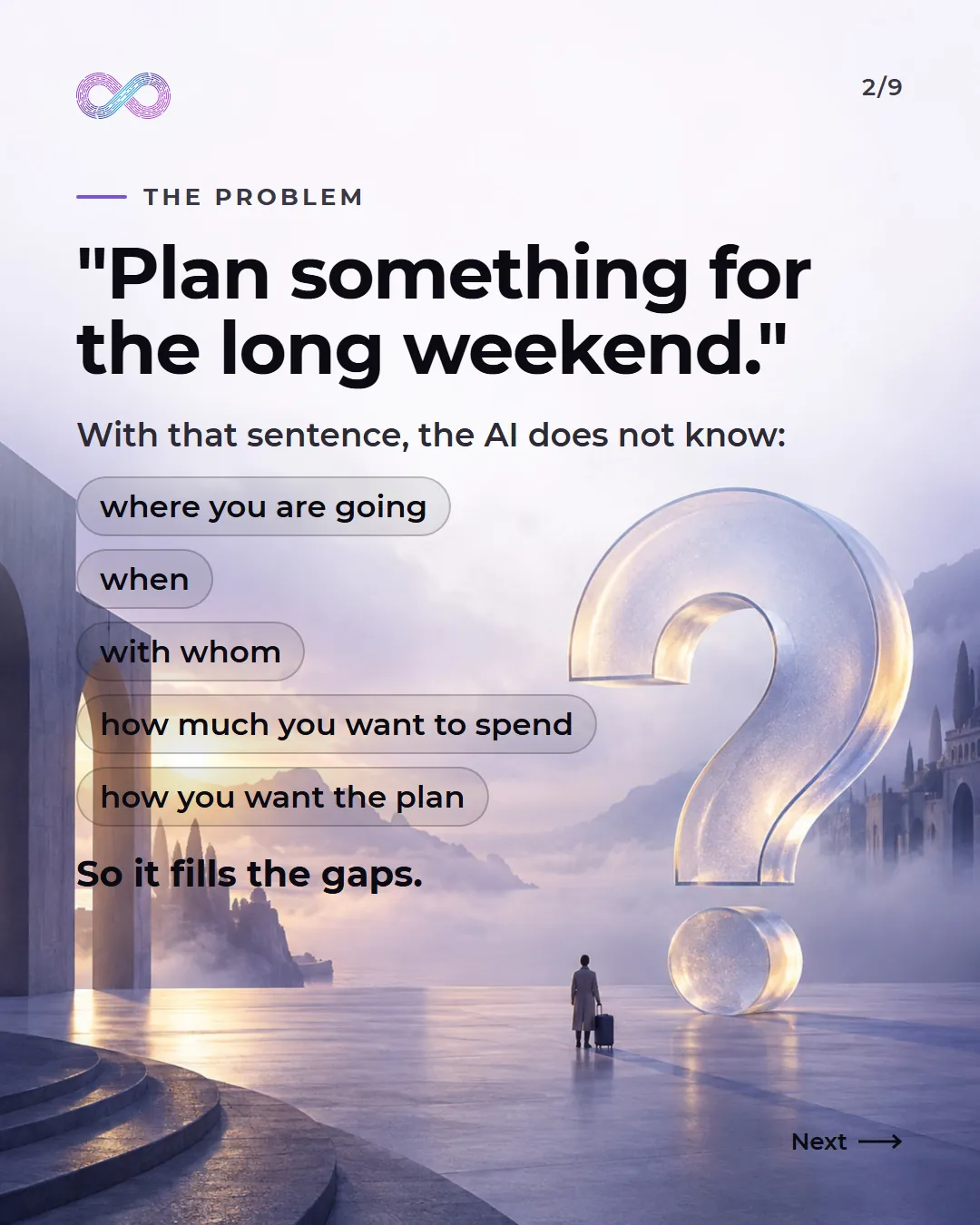
Ask any AI to "plan something for the long weekend" and it will give you a plan. The problem is that it does not know where you are going, when, with whom, how much you want to spend or how you want the plan. So it fills it in as best it can: it picks a destination, assumes a budget and organizes days you may not have.
The AI does not do this because it fails. It does what we asked it to do: complete what is missing with whatever is most likely. The more that is missing, the more it invents. The solution is not to look for a better AI, but to leave it fewer gaps.
Step 1. The goal

What you want to achieve, in one sentence. Not "travel ideas", but "a short trip to Seville for two people, from October 9 to 12".
It seems obvious, but this is where most requests fail. A clear goal tells the AI what a good result looks like. A vague one forces it to decide that for you.
Step 2. The context
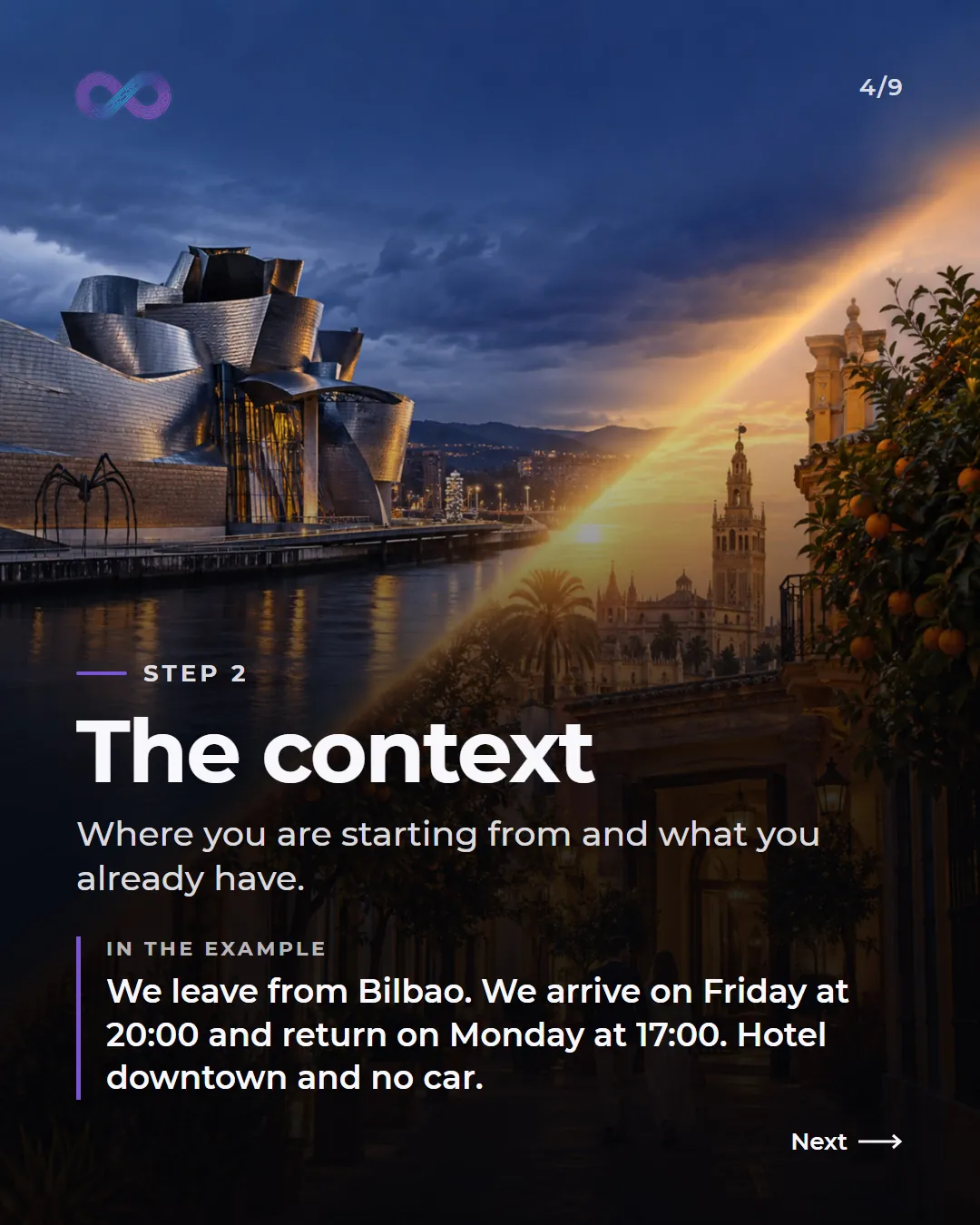
Where you are starting from and what you already have. In the example: we leave from Bilbao, we arrive on Friday at 20:00, we return on Monday at 17:00, we have a hotel downtown and we are not taking a car.
Each detail removes an assumption. The arrival time changes what can be done on Friday. "No car" rules out faraway trips. "Hotel downtown" stops it from suggesting where to stay.
Step 3. The limits

What the plan has to respect: budget, tastes and pace. In the example, €300 in total for the two of us, food and historic sites, at a relaxed pace.
Here a single detail changes the result a lot. "€300" is not the same as "€300 in total for the two of us". To a person it may seem obvious; to the AI, it is not. If a limit can be misunderstood, it is worth spelling it out.
Step 4. The format

How you want it delivered. In the example: a plan for each day, from Friday to Monday, by time slots, with areas close to each other and the approximate cost.
If you do not ask for a format, the AI picks one, usually a long text that is hard to use. Asking for the structure lets you see at a glance if something does not add up.
Step 5. The review
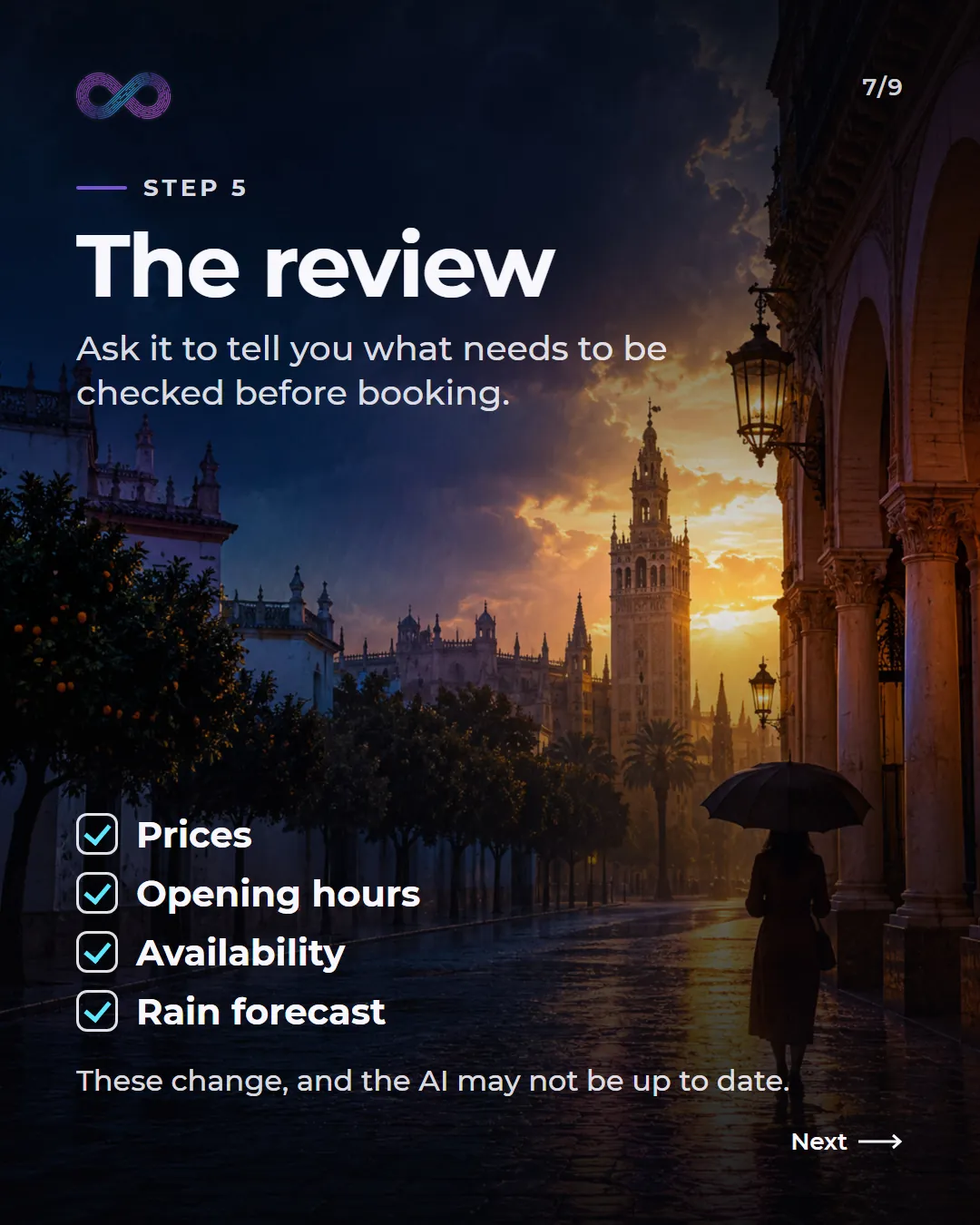
Ask it to tell you what needs to be checked before booking: prices, opening hours, availability and the rain forecast.
It is the step almost nobody includes and the one that protects you most: the AI may not be up to date, and if you do not ask, it will not warn you. With this step, the plan comes with its own list of what you should not take for granted without checking.
The full request
This is how it looks with all five pieces together. Replace the details with yours and use it as it is:
Plan a short trip to Seville for 2 people, from October 9 to 12. We are leaving from Bilbao: we arrive on Friday at 20:00 and return on Monday at 17:00. We have a hotel downtown and we are not taking a car. The budget is €300 in total for the two of us. We are interested in food and historic sites, at a relaxed pace. We want a plan for each day, from Friday to Monday, by time slots, with areas close to each other and the approximate cost. At the end, tell us what we need to check before booking: prices, opening hours, availability and the rain forecast.The same works for everyday work
The example is a trip, but the method is the same for asking for a quote, an email to a customer or a report. "Write to a customer that their order is delayed" gives you a generic email. With a goal (letting them know about the delay without losing the customer), context (which order, how long the delay is and why), limits (without promising dates that do not depend on us), format (four lines, in a friendly tone) and review (which details need confirming before sending it), you get an email you can actually send.
In a company there is another advantage: when the well-written request is part of a process, the answer comes out just as complete every time, whoever asks for it. That is what we do when we automate processes with AI: the request no longer depends on one person's memory and becomes part of the system.
And if what you want is for your team to learn how to ask AI for things properly, that is exactly what we work on in the hands-on training at InfinyAI School.
Frequently asked questions
What is a prompt?
It is the request you write to the AI. The clearer and more complete it is, the less the AI has to assume and the better the answer.
Does this work with ChatGPT, Claude or Gemini?
Yes. The five steps do not depend on a specific tool: they work for any AI assistant you ask for something in writing.
Do I have to write such a long request every time?
For tasks that repeat, no: you write it once, save it as a template and only change the details. In a business, those templates belong in the process.
Why should you ask the AI what to check?
Because it may not be up to date on prices, opening hours or availability, and it does not always warn you. If you ask, the plan comes with a list of what to check.