Which business tasks can be automated with AI
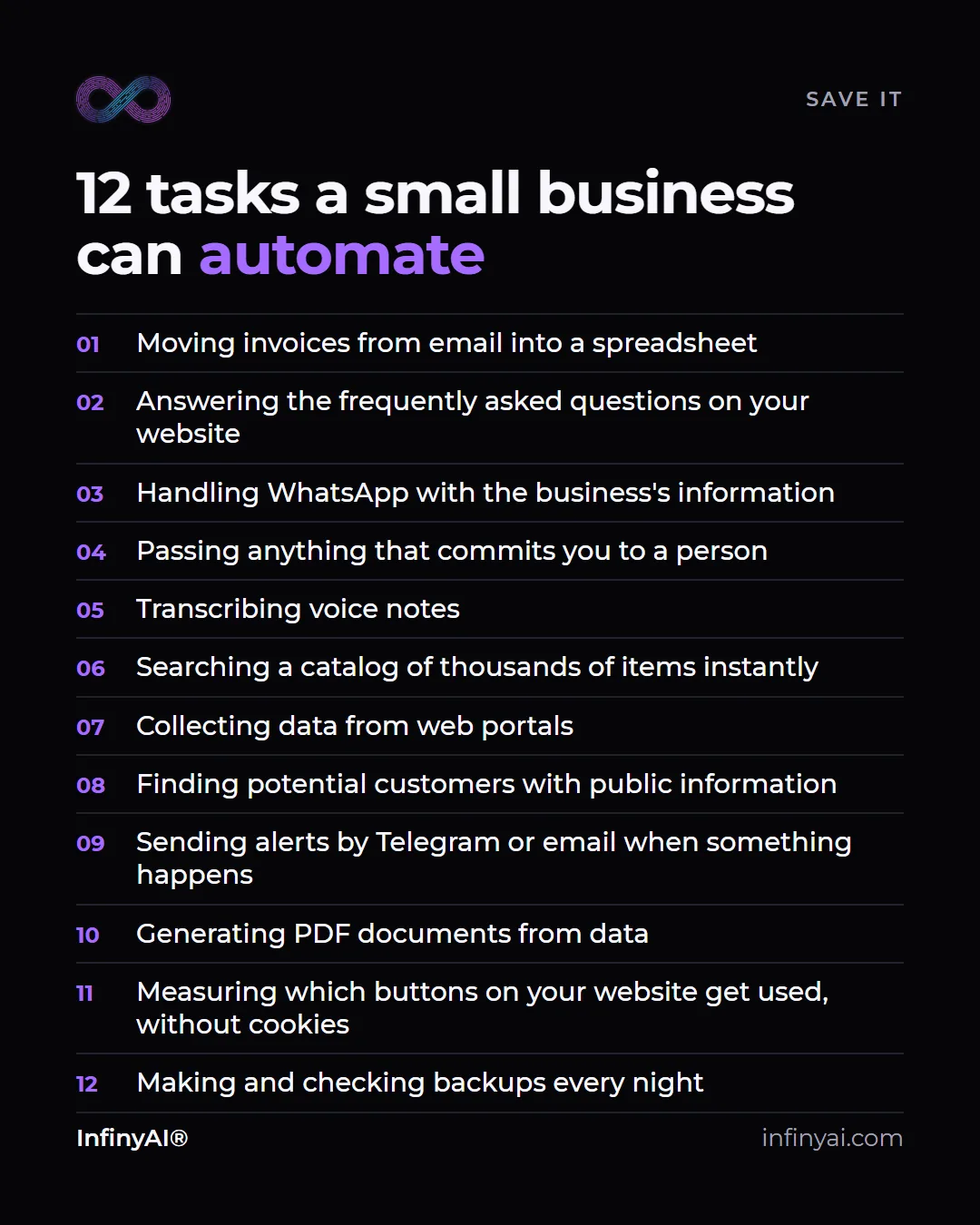
In a business, the tasks that can be automated with AI are mainly the ones that repeat and follow a pattern: moving invoices into a spreadsheet, answering frequently asked questions, handling WhatsApp with the business's information, transcribing voice notes, searching a catalog, sending alerts when something happens or generating documents from data. What should always stay with a person is anything that commits the business: firm prices, deadlines, complaints and exceptions.
Below are the twelve tasks from our cheat sheet, grouped by the part of the business they take work off. First, a figure to set the scene.
How many companies in Spain already use AI
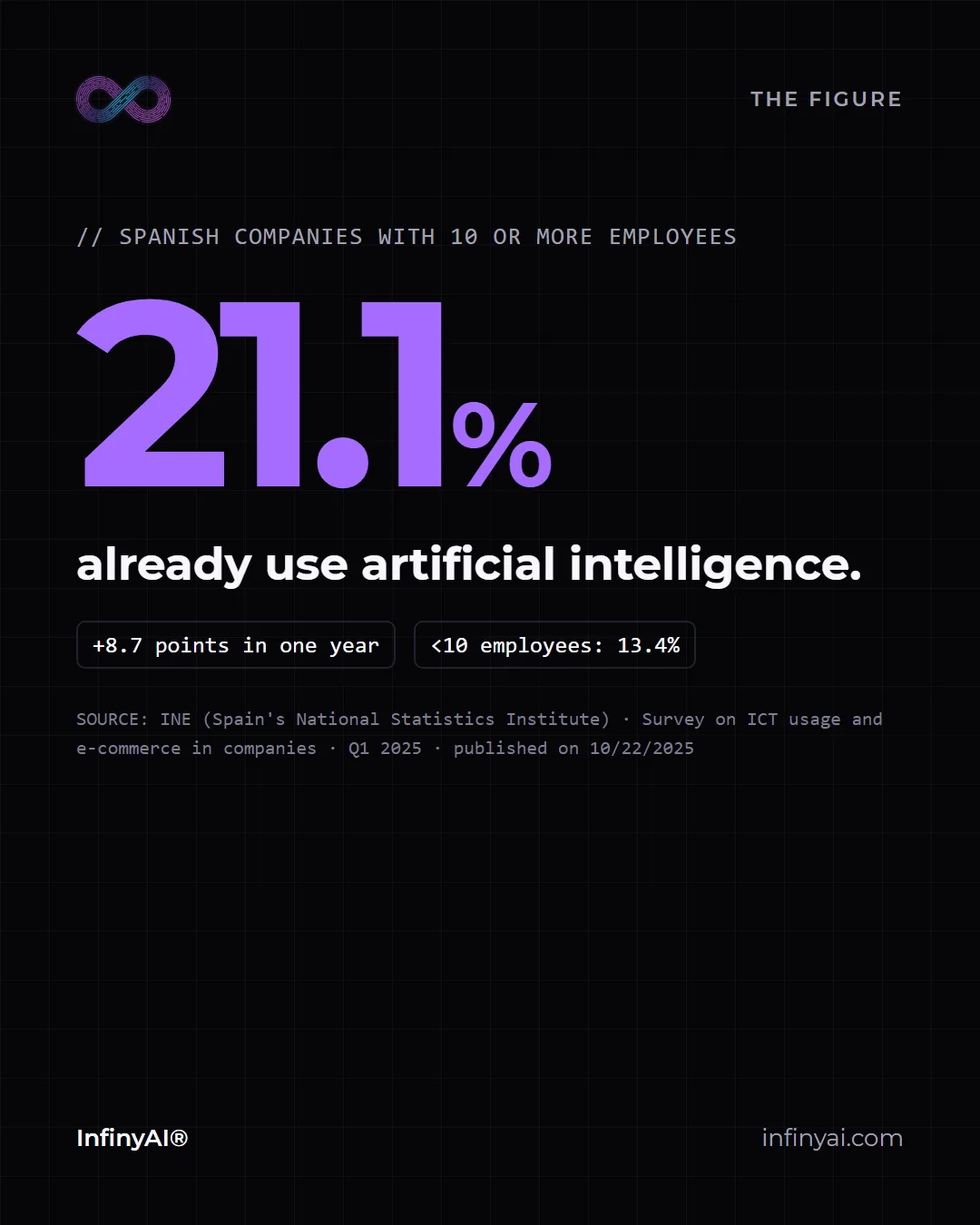
According to INE, Spain's National Statistics Institute, in Q1 2025, 21.1% of Spanish companies with 10 or more employees were already using artificial intelligence: 8.7 points more than a year earlier. Among companies with fewer than 10 employees, the figure is 13.4%.
Put the other way around: most companies are still not using it, and among the smallest, even fewer. There is no need to be first, but there is no point in just watching either. The sensible move is to start with one specific task that takes hours today.
Administration: what gets copied from one place to another
1. Moving invoices from email into a spreadsheet. The AI reads each invoice that arrives, extracts its details and records them in a spreadsheet, with one tab per month. It is one of the first we recommend, because it happens every week and mistakes are easy to make by hand.
2. Generating PDF documents from data. Reports, data sheets or plans that today are put together by copying figures from one place to another. If the data already lives somewhere, the document can be produced automatically and always with the same format.
3. Making and checking backups every night. Making the backup is the easy part. What matters is checking that it can be restored, and that can be automated too.
Not all of them need AI. Some are plain automation, and that is fine: AI is needed when something has to be read, understood or written, not to move a file.
Customer service: what people always ask
4. Answering the frequently asked questions on your website. An assistant that replies only with what your website says and, if something is not there, admits it. It is what we use on our website and what we propose in our chatbots for businesses.
5. Handling WhatsApp with the business's information. Text messages, voice notes and images answered with the real information of the business, at any time of day.
6. Passing anything that commits the business to a person. A good automation also knows when to stop. When someone asks for a firm price, a deadline or an exception, the conversation goes to a person with all the context.
7. Transcribing voice notes. Voice messages are turned into text so they can be read quickly, saved or searched later.
Sales: finding and responding sooner
8. Searching a catalog of thousands of items instantly. A good search engine answers instantly even when the catalog has thousands of items. When the catalog is large, helping customers find what they are looking for is part of selling.
9. Collecting data from web portals. Public information that is copied by hand today, collected and organized automatically so it can be consulted later.
10. Finding potential customers with public information. We have our own software that detects companies with digital gaps, scores them and suggests a first message. A person decides whom to write to and how.
Alerts and monitoring
11. Sending alerts by Telegram or email when something happens. A new order, a form, a failure in a process: the alert reaches only the person who needs to know.
12. Measuring which buttons on your website get used, without cookies. On our website we measure which calls to action get clicked with our own analytics, without cookies and without a banner. It tells you what works before you change anything.
What we would not automate
Automating does not mean automating everything. There are things that, in a small business, we would always leave in the hands of a person:
- Giving firm prices and deadlines. They depend on each case and commit the business.
- Responding to a complaint. An upset customer needs someone to listen, not a perfect answer.
- Deciding on an exception for a customer. That takes judgment, and judgment belongs to the business.
- The first conversation with a new and important customer. That is where trust is won or lost.
Automation can prepare all of that, gather the information and leave a draft. Not the decision.
How to choose where to start
To choose the first task, we ask ourselves four questions:
- Whether it repeats every week or every day.
- Whether it follows a pattern or every case is different.
- Whether a mistake would be small or could be reviewed before it goes out.
- How much time it takes to do by hand today.
The one that scores high on all four is usually a good place to start. On our AI automation page we explain how we work, and if you would like us to look at your case, you can write to us from the contact page.
Frequently asked questions
What does it mean to automate a task with AI?
It means part of the work is done by a system instead of a person. AI comes in when something has to be read, understood or written, such as an invoice, a message or a reply; the rest is connecting programs so the data flows from one to another on its own.
Do you need to be a large company to automate?
No. Many of these tasks weigh more on a small business, where the same person invoices, serves customers and sells. You can start with a single task.
Which tasks should not be automated?
The ones that commit the business or require judgment: giving firm prices and deadlines, responding to complaints, deciding on exceptions and the first conversation with an important customer.
Where does the 21.1% figure come from?
From INE's Survey on ICT usage and e-commerce in companies, Q1 2025, published on 10/22/2025. It refers to Spanish companies with 10 or more employees.