Adobe adds interactive editing for images and PDFs to its ChatGPT plugin
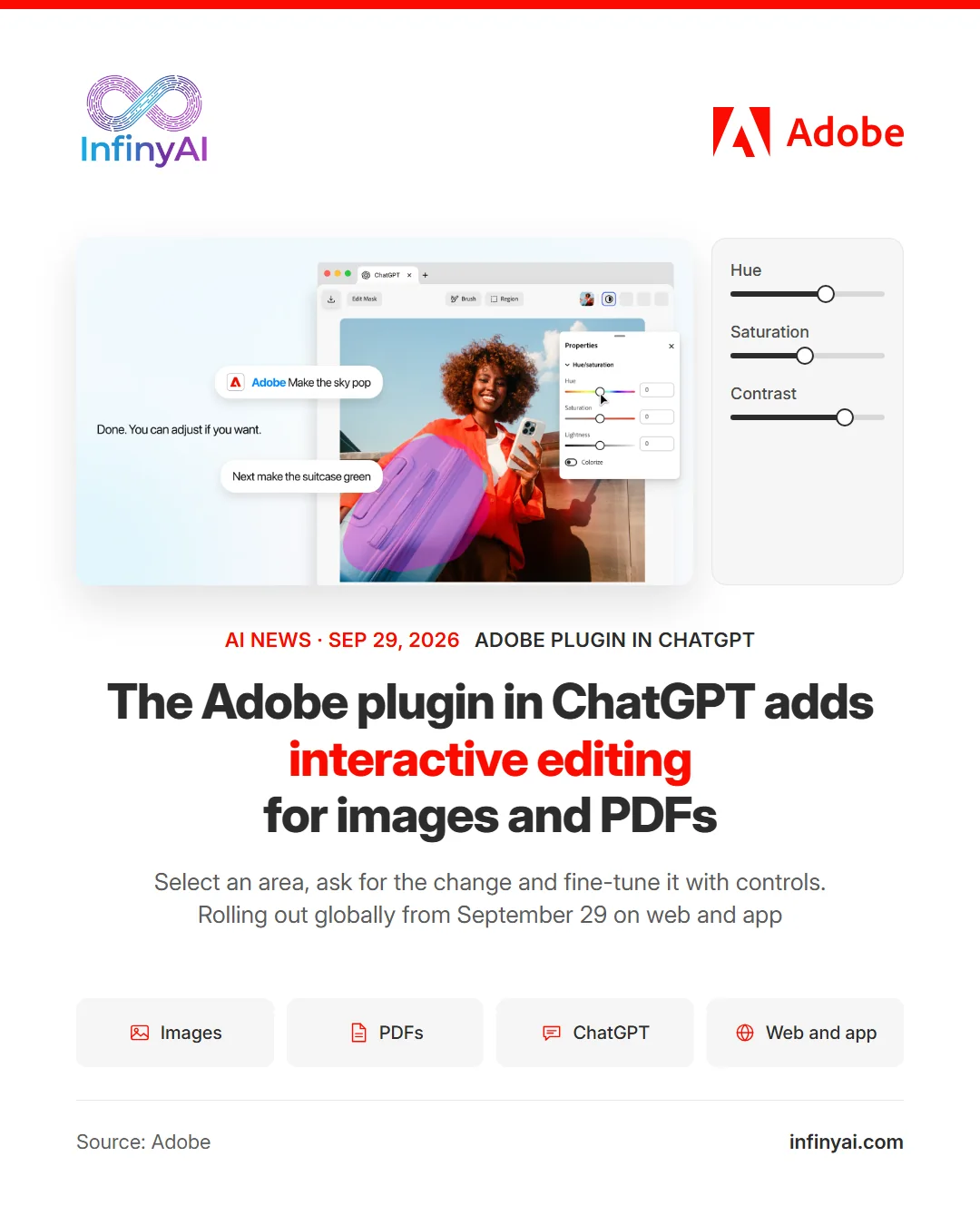
On September 29, alongside DevDay 2026 (the OpenAI event for developers), Adobe announced new hands-on editing experiences in the Adobe plugin in ChatGPT (the plugin that brings its creative and document tools into the conversation). The editors open in side panels in ChatGPT.
For images and designs, powered by Photoshop (its photo editing software) and Adobe Express (its design tool), you can select an object or brush over an area, ask for the change in the chat and then fine-tune it with controls for hue, saturation, contrast and more. The controls change with the request: if you want to change the color of an object, color controls appear for just that selection. Adobe's example: removing a stray napkin from a photo of a latte for a social post, then adjusting the brightness and contrast of the cup.
For PDFs, with tools from Acrobat (its PDF software), you can revise text or highlight passages in the document itself and use what you select to guide the conversation. For example, highlighting the payment terms in a contract and asking it to highlight the other sections about payments or invoicing.
What you edit in the panel flows back into the conversation as context, so there is no need to explain the work again or upload the file again. The updates started rolling out globally on September 29 on ChatGPT web and app.
We believe that for a small business preparing its own photos for social media or reviewing contracts in PDF, being able to make hands-on edits without leaving the chat saves steps.